Marker Domes in 3D Scanning: Improving Tracking Stability in Real-World Workflows
14th May 2026
Marker Domes in 3D Scanning: Improving Tracking Stability in Real-World Workflows
In 3D scanning, one of the most common sources of frustration is not resolution or color capture; it’s tracking stability. When a scanner loses its reference to the object, even briefly, it can lead to misalignment, missing geometry, or the need to restart a scan entirely.
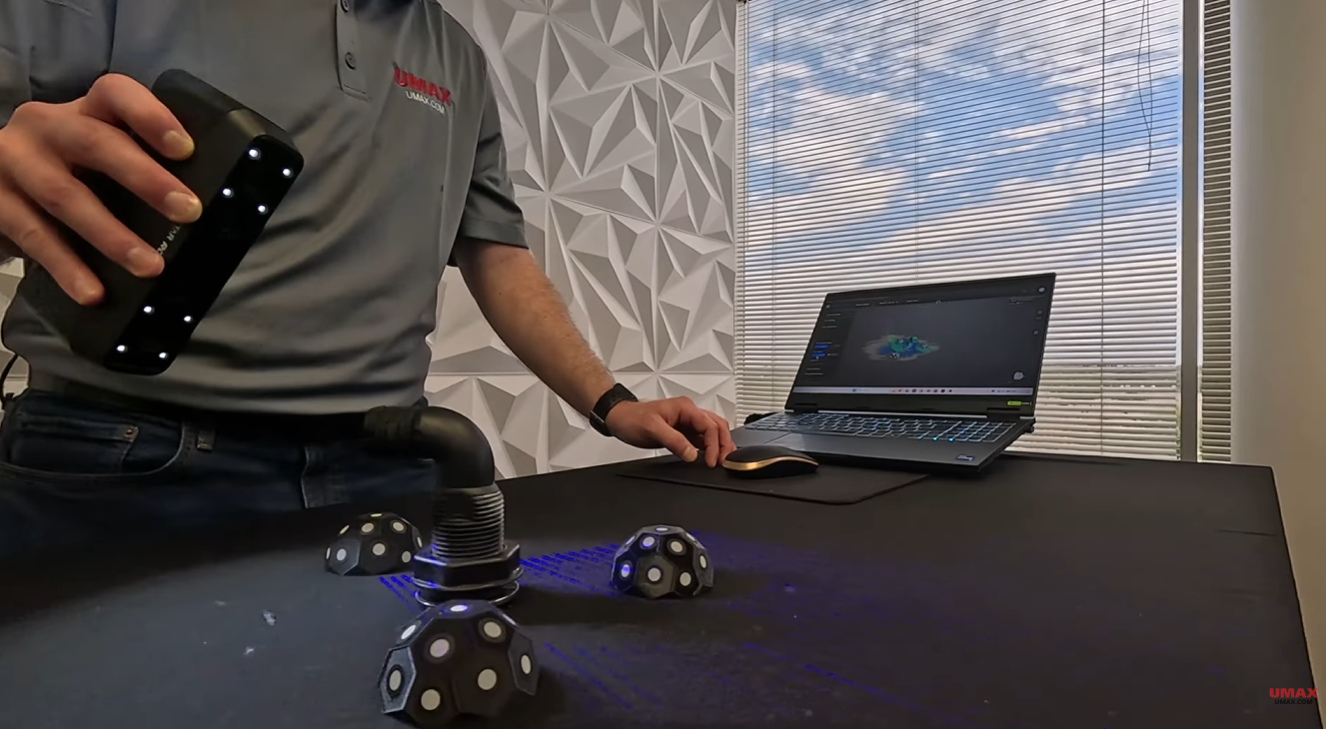
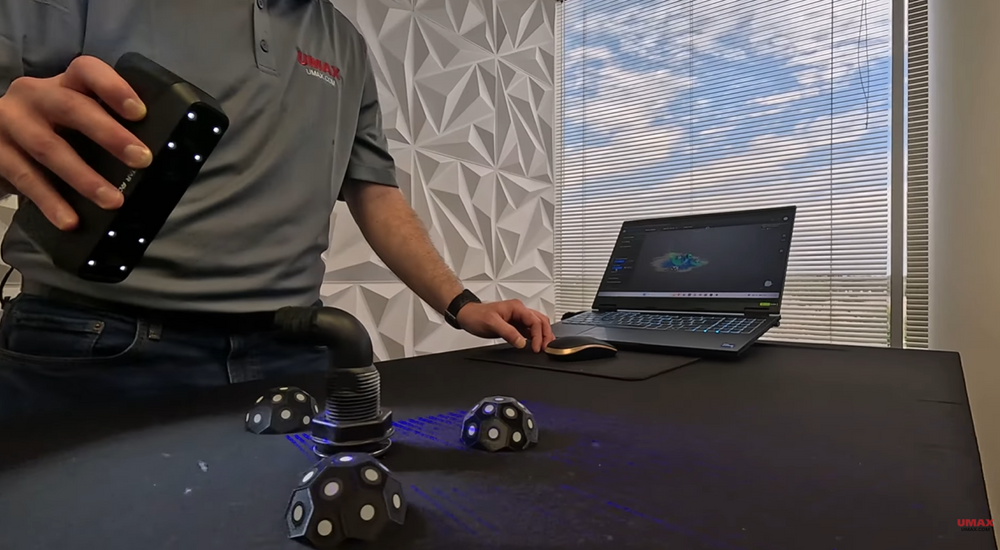
A recent demonstration by UMAX, featuring the Rocket 3D scanner and a set of marker domes, provides a clear, practical look at how simple external references can dramatically improve scan reliability across different object types. The takeaway is not specific to one scanner, it reflects a broader principle used across professional scanning workflows.
Why Tracking Fails in the First Place
3D scanners rely on identifying consistent features in a scene to understand movement and orientation. When an object has rich geometry(edges, texture, and variation) this process is straightforward.
But problems arise when surfaces are:
- Smooth or featureless
- Symmetrical or repetitive
- Composed of flat, uniform planes
- Visually similar from multiple angles
In these cases, the scanner can struggle to distinguish one position from another. Even small tracking interruptions can cascade into misalignment or drift.
This is where external reference systems like marker domes become useful.
What Marker Domes Actually Do
Marker domes function as fixed spatial reference points placed around an object during scanning. Instead of relying only on the object’s surface geometry, the scanner can continuously recognize these stable points in the environment.
In the UMAX demonstration, three domes were arranged in a triangular layout around each object. This configuration ensures that at least two markers remain visible from most angles, maintaining a consistent tracking frame even as the scanner moves.
Rather than “helping the scanner see better,” the key role of marker domes is to provide positional certainty when the object itself cannot reliably offer it.
When External Markers Become Necessary
The demonstration highlights two common scenarios where tracking issues typically appear in real scanning workflows.
The first involves mechanical parts with flat surfaces and sharp transitions. While these objects may appear easy to scan, their uniform faces can confuse tracking systems when moving between angles, especially if surface detail is minimal.
The second involves curved components such as hose fittings or cylindrical shapes. These present the opposite problem: the geometry is continuous and consistent, making it difficult for the scanner to determine orientation because everything looks similar from every direction.
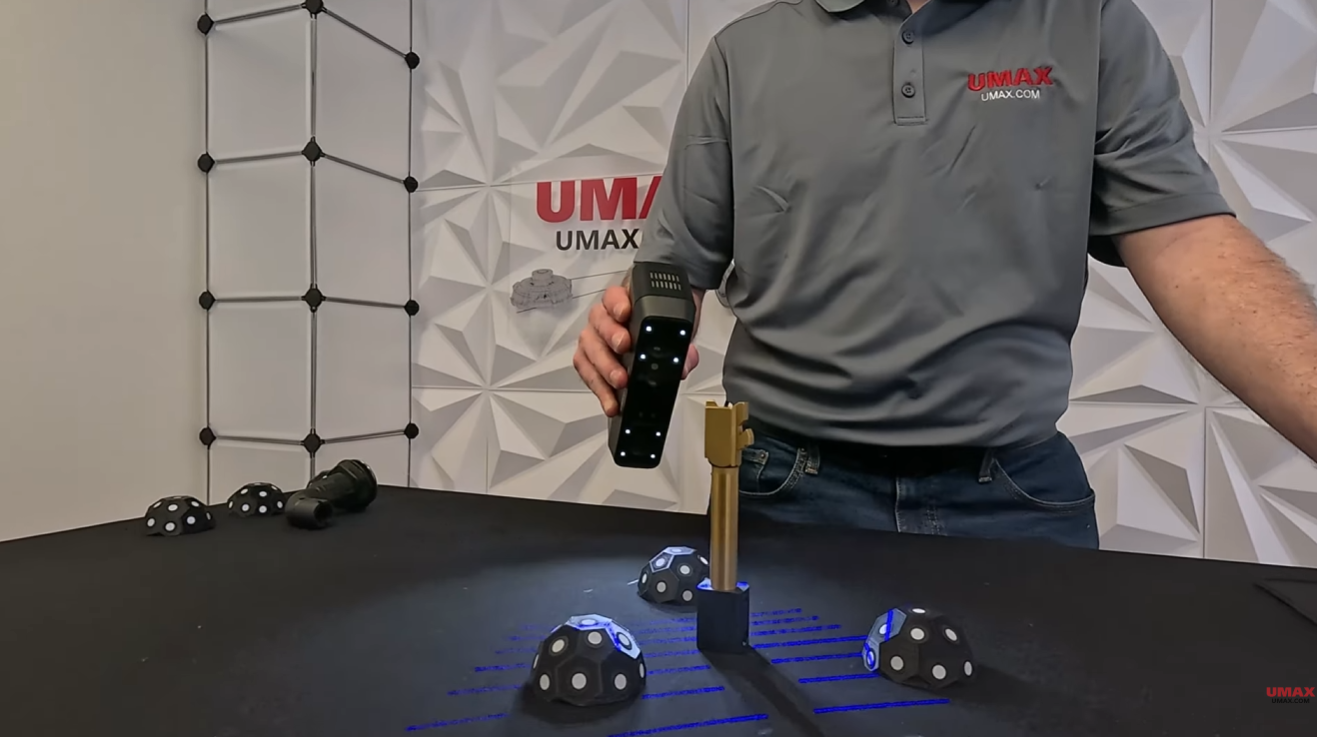
In both cases, the underlying issue is the same insufficient or ambiguous visual reference data from the object itself.
How Marker Domes Stabilize the Scan
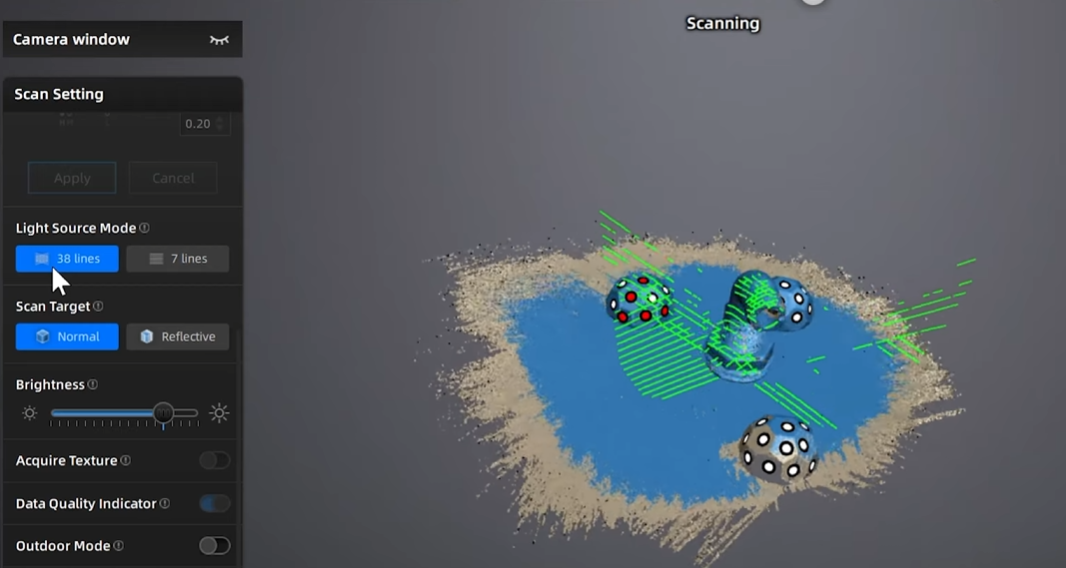
By introducing external reference points, the scanning system no longer depends solely on object geometry. Instead, it tracks a combination of surface data and fixed spatial anchors.
During the UMAX demonstration, the key principle was maintaining visibility of at least two domes at all times. This ensures that even when the scanner moves across edges, rotates around curves, or temporarily loses sight of part of the object, it can still maintain a stable coordinate frame.
On sharp-edged parts, marker domes prevent tracking loss during transitions between flat surfaces. On curved objects, they solve orientation ambiguity by anchoring the scan to fixed points in space rather than repeating geometry.
Practical Guidelines for Using Marker Domes
In real-world scanning workflows, marker systems are most effective when dealing with small parts, symmetrical designs, or surfaces that lack distinct features. They are also useful in situations where scanning paths involve frequent occlusion or rapid movement around an object.
However, they are not always necessary. Larger objects with strong geometric variation such as: vehicles, complex assemblies, or textured surfaces, often provide enough natural reference data for stable tracking without additional markers.
The decision to use marker domes is therefore less about the scanner itself and more about the quality of reference information available in the scene.
A Simple Principle with a Big Impact
The broader lesson from the UMAX demonstration is that tracking stability is fundamentally about reference consistency. Whether those references come from object geometry or external markers, the scanner’s ability to maintain alignment depends on having reliable anchors throughout the scan.
Marker domes are a simple implementation of this principle. They do not change the scanner’s resolution, speed, or hardware capability but instead directly improve how consistently that capability can be applied in difficult scanning conditions.
Conclusion
External markers like domes remain one of the most practical tools for improving 3D scanning reliability. As shown in the UMAX Rocket scanner demonstration, even a minimal setup of three markers can significantly reduce tracking loss across both simple and complex geometries.
For users working with challenging parts, tight geometries, or repetitive surfaces, marker domes offer a straightforward way to stabilize scans and improve overall data quality without changing hardware or workflow complexity.