
File Formats in 3D Scanning: A Guide
15th Jun 2026
Understanding 3D Scanning File Formats: STL, OBJ, PLY, STEP, and More
3D scanning creates detailed digital representations of real-world objects, but the scan itself is only part of the workflow. Once an object has been captured, the data usually needs to be saved, edited, shared, printed, inspected, or converted into a CAD model. The file format you choose plays a major role in how that data can be used.
For beginners, 3D file formats can feel confusing. STL, OBJ, PLY, ASC, STEP, IGES, 3MF, and other file types are often mentioned together, but they are not all designed for the same purpose. Some formats are best for 3D printing, some preserve color, some store raw point cloud data, and others are meant for CAD and manufacturing workflows.
Understanding the difference between these formats helps users avoid workflow problems and choose the right file type for the job.
Why File Formats Matter in 3D Scanning
A 3D scanner captures the shape of an object by collecting surface data. Depending on the scanner, software, and workflow, that data may begin as a point cloud, become a polygon mesh, or eventually be converted into a CAD model.
Each stage of that process has different needs. A point cloud may be useful for measurement and reference, but it may not be ready for 3D printing. A mesh file may be perfect for visualization or printing, but it may not contain editable CAD features. A CAD file may be ideal for engineering and manufacturing, but it usually requires reverse engineering or remodeling before it can be created from scan data.
Choosing the right file format helps keep the workflow efficient and ensures the model can be used correctly in the next software program.
Point Cloud Formats
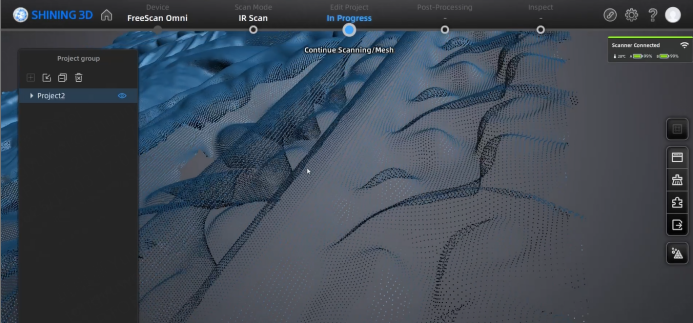
Point cloud data is often one of the earliest forms of 3D scan data. Instead of representing a surface with connected triangles, a point cloud is made up of individual points in 3D space. Each point represents a measured location on the object’s surface.
Point clouds are useful for capturing raw scan information, performing certain types of inspection, and preserving large amounts of measurement data. They can also be used as the starting point for mesh generation or reverse engineering.
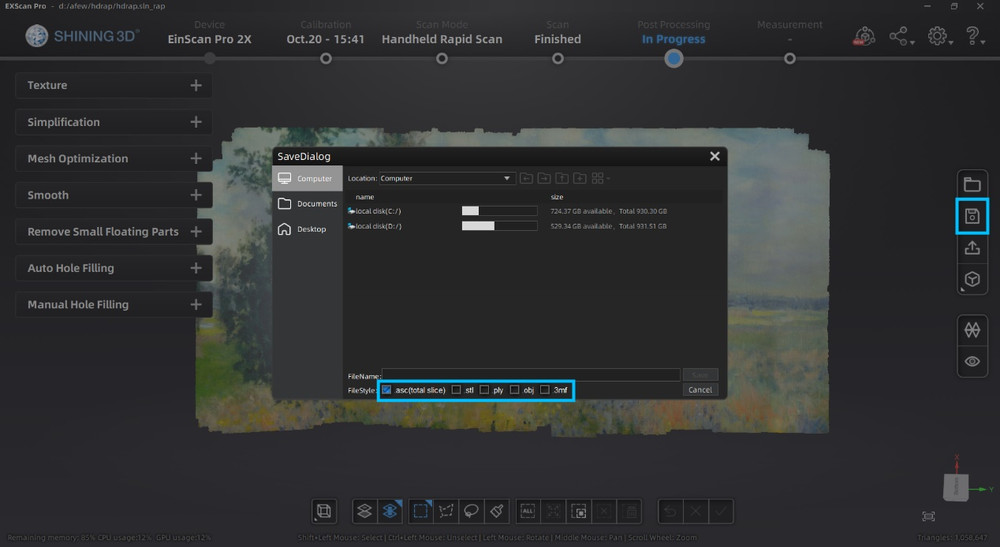
Common point cloud formats include ASC, PTS, PCD, LAS, and E57. These formats are often used in scanning, metrology, architecture, engineering, and large-scale measurement workflows. For handheld 3D scanning, point cloud data may be processed further into a mesh before export, depending on the software and intended use.
STL Files
STL is one of the most widely used 3D file formats, especially in 3D printing. It represents a model as a surface made of triangles, which makes it simple, lightweight, and widely compatible with slicing software.
The biggest advantage of STL is its simplicity. Almost every 3D printing program can open STL files, and the format works well when the main goal is to print the shape of an object. However, STL does not store color, texture, material information, or CAD feature history. It only describes the geometry of the surface.
Because of that, STL is a good choice for basic 3D printing, simple mesh sharing, and workflows where color or editable CAD features are not required. It is not the best choice when users need realistic texture, advanced visualization, or parametric CAD editing.
OBJ Files
OBJ is another common mesh format, but it is more flexible than STL in certain workflows. Like STL, OBJ can store polygon mesh geometry. Unlike STL, OBJ can also support texture coordinates and material references, which makes it useful for color models and visual applications.
This makes OBJ a strong option for digital art, visualization, animation, product presentation, and full-color 3D scanning workflows. When a scanner captures both geometry and texture, OBJ can often preserve more visual information than STL.
OBJ is still a mesh format, so it does not store CAD design history or editable engineering features. It is best used when users need a textured 3D model rather than a fully editable CAD file.
PLY Files
PLY is commonly used in 3D scanning because it can store detailed mesh or point cloud data, including color information. This makes it especially useful for workflows where both geometry and visual surface detail matter.
A PLY file may be used to preserve vertex color, scan detail, or point cloud information depending on the software settings. For scanning applications, PLY is often a good choice when users want to maintain more scan-specific data than a basic STL file would allow.
PLY is useful for archiving scan data, color scanning, research, visualization, and mesh workflows that benefit from additional surface information. Like STL and OBJ, it is not a true CAD format, but it can be a strong option for preserving detailed scan results.
3MF and GLB Files
3MF and GLB are newer formats that are useful in modern 3D workflows. 3MF is often associated with 3D printing because it can store more information than STL, including units, color, materials, and print-related data. This makes it useful for more advanced additive manufacturing workflows where a simple triangle mesh is not enough.
GLB is commonly used for web, AR, VR, and real-time visualization. It can store 3D geometry, materials, textures, and scene information in a compact format that works well for online viewing and interactive applications.
These formats are not always the first choice for raw scan export, but they can be useful when the final goal is digital presentation, web viewing, or modern 3D printing workflows.

CAD Formats: STEP, IGES, and Parasolid
CAD formats are different from mesh formats. Instead of storing a surface as triangles, CAD formats are designed to store engineering geometry, surfaces, solids, and design information. Common CAD formats include STEP, IGES, Parasolid, and native CAD formats used by programs like SOLIDWORKS, Fusion, Inventor, and Solid Edge.
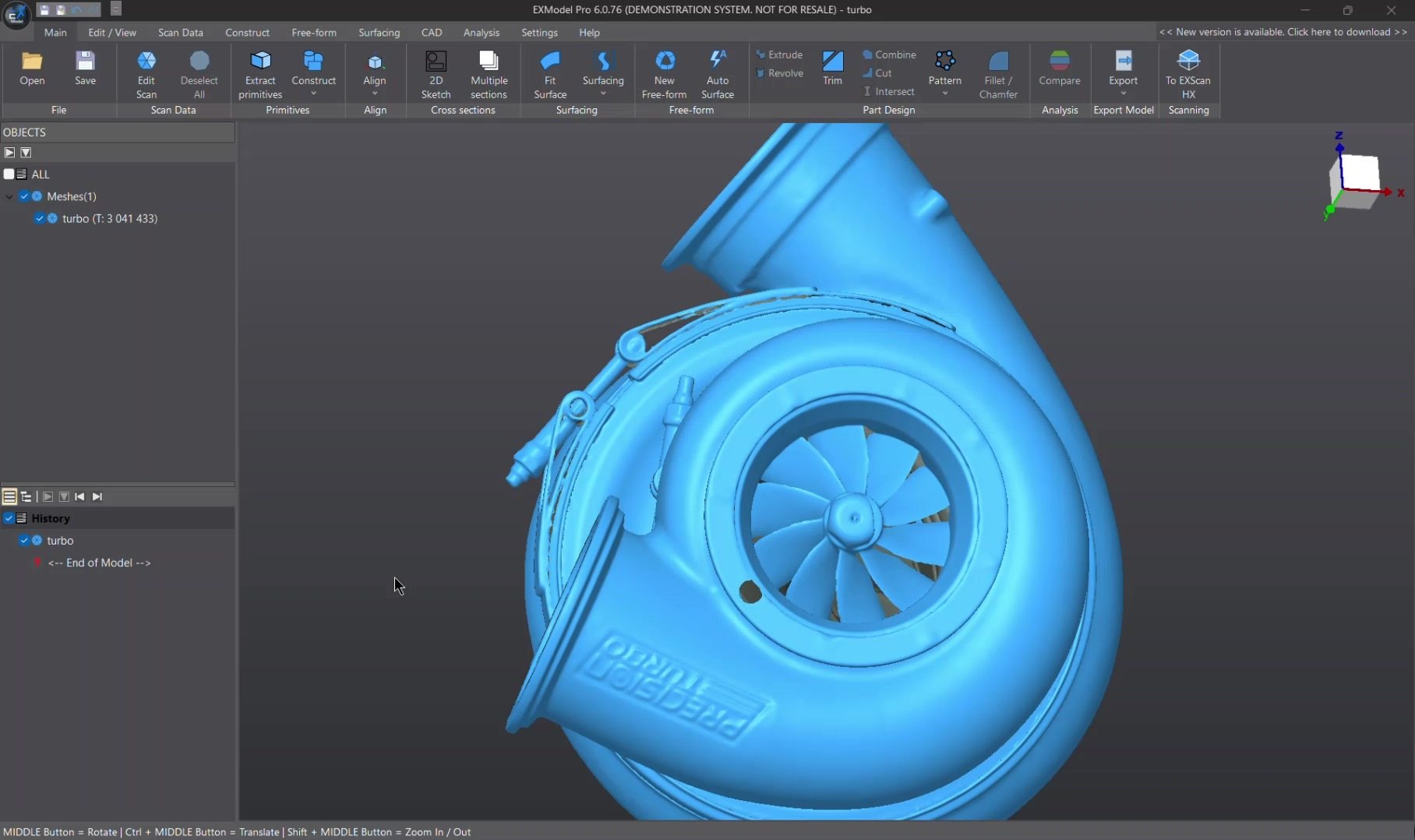
This distinction is important because a 3D scan does not automatically become a CAD file. A scanner captures the physical shape of an object, usually as point cloud or mesh data. To create a true CAD model, the scan data typically needs to be reverse engineered using software such as EXModel or Geomagic Design X.
Once the part has been rebuilt as CAD geometry, it can be exported into formats such as STEP or IGES for editing, manufacturing, inspection, or further engineering work.
Mesh Files vs. CAD Files
The easiest way to understand 3D scanning file formats is to separate them into two major categories: mesh files and CAD files.
Mesh files describe the outside surface of an object. They are commonly used for 3D printing, visualization, archiving, and texture capture. STL, OBJ, PLY, 3MF, and GLB are all examples of mesh-based formats.
CAD files are designed for engineering and manufacturing. They can contain precise surfaces, solids, dimensions, assemblies, and editable design information. STEP, IGES, and Parasolid are examples of CAD formats.
A mesh file is usually best when the goal is to reproduce or visualize the scanned shape. A CAD file is best when the goal is to edit, manufacture, redesign, or engineer the part.
Choosing the Right Format
The best file format depends on what you plan to do with the scan.
If the goal is 3D printing, STL is often the simplest and most widely supported option. If the model includes color or texture, OBJ or PLY may be a better choice. If the goal is web viewing, AR, or real-time visualization, GLB may be useful. If the goal is reverse engineering or manufacturing, the scan will usually need to be converted into a CAD format such as STEP or IGES after reconstruction.
For inspection workflows, the best format may depend on the software being used. Some inspection platforms work directly with scan meshes, while others may require CAD models for nominal comparison. In those cases, both the scan file and the CAD reference file may be part of the inspection process.
Why the Workflow Matters
File format decisions should be made based on the full workflow, not just the scanner. A scan file that works perfectly for 3D printing may not be useful for CAD editing. A textured OBJ may look great for visualization but may not be suitable for manufacturing. A STEP file may be ideal for engineering, but it usually requires reverse engineering before it can be created from scan data.
This is why software plays such an important role in 3D scanning. Scanning software captures and processes the data, reverse engineering software converts mesh data into CAD, and inspection software compares scan data against design requirements. Each step may require a different file format.
Final Thoughts
Understanding 3D scanning file formats helps users get better results from their scanning workflow. STL, OBJ, and PLY are commonly used mesh formats, each with different strengths. Point cloud formats preserve raw measurement data. 3MF and GLB support modern printing and visualization workflows. CAD formats such as STEP, IGES, and Parasolid are essential for engineering and manufacturing, but usually require reverse engineering before they can be created from scan data.
The right file format depends on the goal. For 3D printing, use a mesh format. For color and visualization, use a format that supports texture or vertex color. For engineering and manufacturing, convert the scan into CAD. By choosing the correct format early, users can avoid unnecessary file conversion issues and keep their 3D scanning workflow moving smoothly from capture to final use.